Best ai music video generator for audio-first creators
Turn a track or lyrics into a music video in minutes. Upload audio, choose a visual style, and export a beat-synced video built for Shorts, Reels, or full-length releases.
Studio
Make your music video preview in minutes
Describe the song, set style and title, and preview variations before you export.
Create music video
Upload music, pick style, start
1. Upload music
Upload one track to continue.
2. Choose style or write your own prompt
Optional settings
Video engine runs in standard mode. Shot duration is auto-mapped to 6s or 10s.
Reference image
Video aspect ratio
Subtitle Timeline
Feature: auto/manual lyrics matching + timeline editor.
Requirement: Pro membership required.
3. Start
Progress & result
Real-time task status and outputs
Outputs
SamplesNeon Pulse
Lyric Drift
Analog Glow
Studio Warmth
How it works
How the ai music video generator turns audio into visuals
The workflow stays simple: upload your track, pick a visual style, and export a music video that lands on the beat.
Think of it as an audio-first studio: you guide the vibe and typography, the engine handles the timing.
Upload a track
Drop in an MP3 or WAV. The ai music video generator reads tempo and energy to guide the cuts.
Add lyrics or a prompt
Paste lyric text or a short concept so the typography and visuals align with the song.
Pick a visual style
Select a style pack for color, texture, and pacing. Each pack is built for rhythm.
Export and share
Download MP4 in minutes, then post to reels, shorts, or full releases.

Preview
Beat sync, export in HD
Styles
Visual packs built for music video workflows
Each pack is tuned for tempo, typography rhythm, and clean exports across formats.
Cinematic glow
Slow fades and depth layers for high-impact choruses.
Lyric typography
Bold text timing that mirrors vocal phrasing.
Waveform minimal
Clean audio-reactive visuals for modern releases.
Neon pulse
Fast accents and light trails for high-energy tracks.
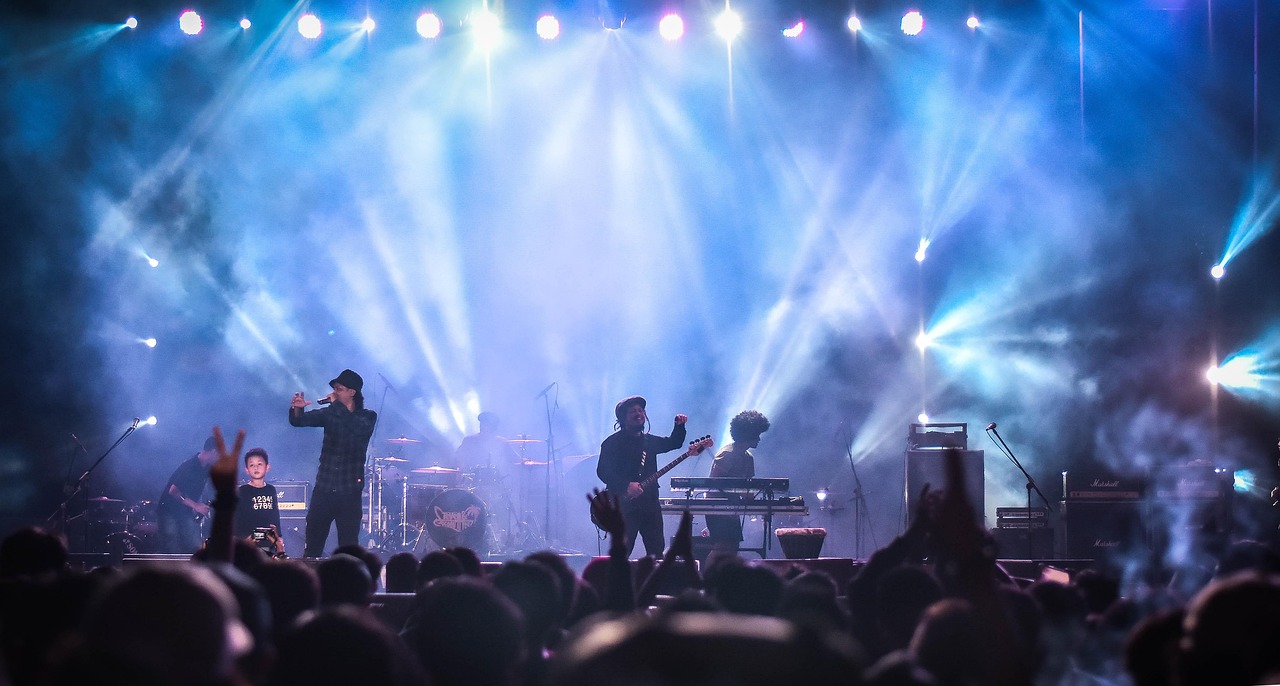
Why creators pick the ai music video generator
I built the ai music video generator to remove the tedious editing while keeping creative control. Use it for releases, promos, or rapid concept tests without a bulky timeline.
Social reels
Export short loops that feel native to vertical feeds and quick hooks.
Music promos
Create a teaser cut that highlights the hook in under an hour.
Lyric videos
Sync typography to verses and choruses without manual keyframes.
Event visuals
Run looping visuals on stages, booths, or LED walls.
Creator collabs
Share a template so partners can keep a consistent visual language.
Concept testing
Prototype multiple looks before committing to a full production.
Featured
Music video templates creators start with
Open a workflow that matches your goal: lyric videos, beat-synced reels, or visualizers.
Creator Notes
Creators use it for releases, teasers, and lyric videos
Fast iteration and clean exports make it a staple in release cycles.
Riley W.
UGC Creator
“I can ship three variations in one afternoon. The teaser packs are perfect for reels.”
Marina K.
Label Marketer
“We preview visual directions before committing to a full shoot — it saves weeks.”
Eli A.
Music Producer
“Beat sync is tight. I drop a track, pick a style, and the visuals land.”
Questions people ask before choosing an ai music video generator
Clear answers, no fluff. If you are comparing tools, this section is for you.
Start the ai music video generator now
Choose a visual pack and render a music video preview in minutes. The ai music video generator is the fastest way to prove your concept and share it.